Introduction
VRChat is a social virtual reality platform that allows players to meet, talk, and interact with others using customizable avatars across thousands of community-created worlds. Unlike traditional games, VRChat focuses less on objectives and more on social interaction, creativity, and shared experiences.
While VRChat is easy to enter, truly enjoying it takes understanding social etiquette, performance optimization, avatar management, and personal comfort. This guide provides detailed tips to help new and experienced players navigate VRChat confidently, make meaningful connections, and avoid common frustrations.
Understanding What VRChat Is and Is Not
VRChat is not a typical game with levels or win conditions. It is a social sandbox where players create their own experiences through conversation, exploration, and roleplay.
Approaching VRChat with the wrong expectations often leads to disappointment. Instead of focusing on progression, focus on interaction, creativity, and discovery. The more open-minded you are, the richer the experience becomes.
Choosing the Right Setup: VR vs Desktop
VRChat can be played in full VR or desktop mode. Both options offer unique experiences and advantages.
VR provides immersion, body language, and presence, while desktop mode is more accessible and comfortable for long sessions. Neither is “better,” and many social communities include both types of players.
Setup considerations:
- VR offers better expression
- Desktop reduces fatigue
- Performance varies by hardware
Choose what fits your comfort and system.
Finding Worlds That Match Your Interests
Worlds are the heart of VRChat. From chill lounges to games, concerts, and roleplay environments, world choice shapes your experience.
Popular public worlds are good for meeting new people, while smaller community worlds often offer deeper conversations. Exploring different types helps you find your preferred social spaces.
World discovery tips:
- Use world tags and descriptions
- Try smaller instances
- Save favorite worlds
The right world attracts the right people.
Avatar Selection and Performance Awareness
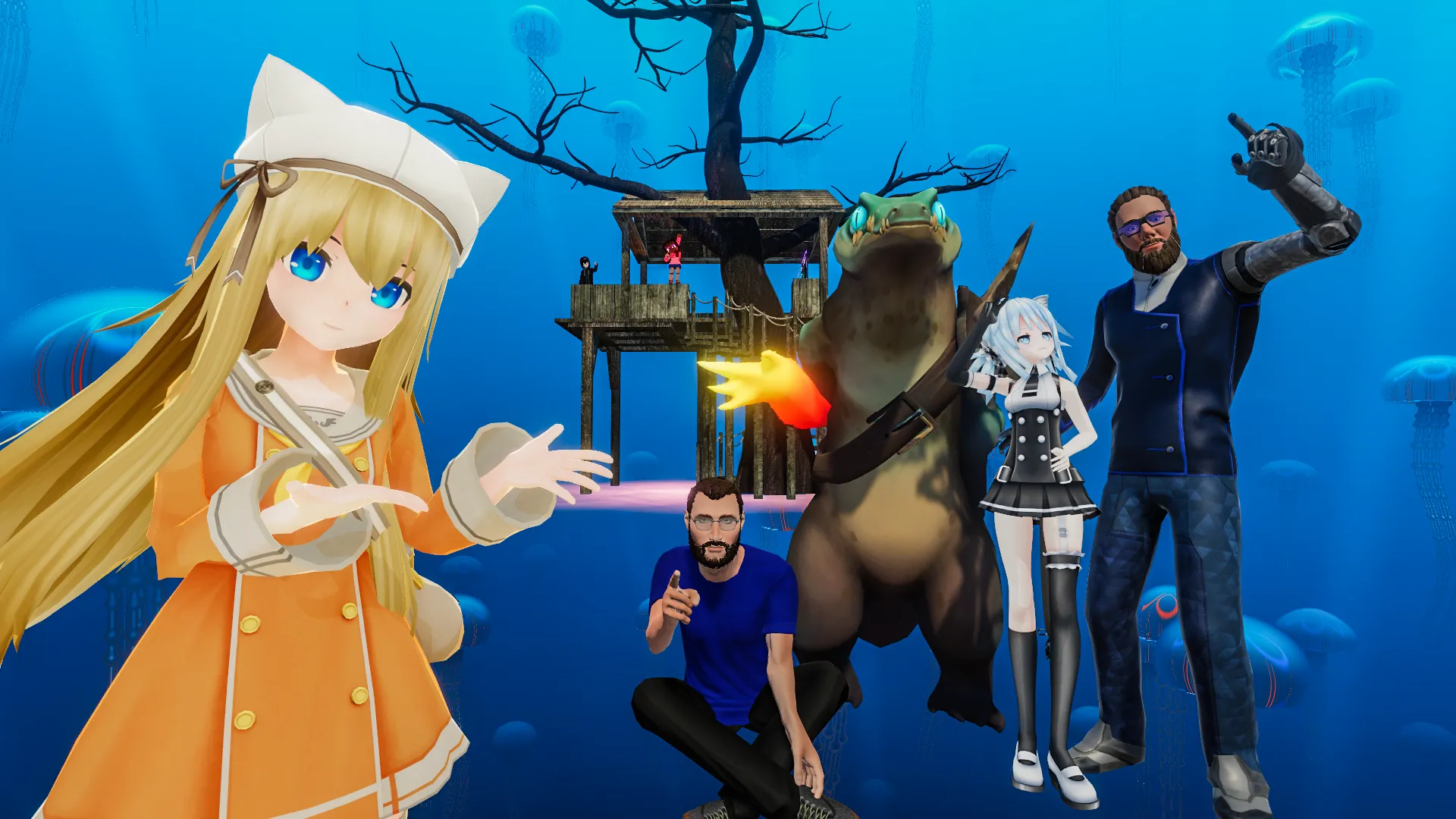
Avatars are how you express yourself, but they also affect performance. Highly detailed avatars can cause lag and discomfort for others.
Choosing optimized avatars improves performance and social acceptance. Many communities appreciate users who respect performance limits.
Avatar best practices:
- Use optimized avatars
- Avoid excessive effects
- Match avatar style to setting
Good avatars enhance interactions.
Learning Social Etiquette in VRChat
Social norms vary between worlds, but respect is universal. Loud behavior, intrusive movement, or harassment quickly isolate players.
Listening before speaking helps you understand the tone of a group. Polite interactions lead to longer conversations and friendships.
Basic etiquette rules:
- Respect personal space
- Avoid interrupting conversations
- Ask before touching avatars
Courtesy builds positive connections.
Making Friends and Holding Conversations
Starting conversations in VRChat can feel intimidating, but shared environments make it easier. Simple greetings or comments about the world work well.
Being curious and attentive keeps conversations flowing. You don’t need to be entertaining—just present and respectful.
Conversation tips:
- Ask open-ended questions
- React naturally
- Don’t force interaction
Authenticity matters more than performance.

Staying Safe and Managing Boundaries
VRChat offers powerful moderation tools. Using them protects your comfort and mental health.
Blocking, muting, and hiding avatars are not rude—they are self-care tools. Learning when to disengage is essential for long-term enjoyment.
Safety tools to use:
- Mute disruptive players
- Block harassment instantly
- Adjust personal safety settings
Your comfort comes first.
Exploring Communities and Events
Beyond public worlds, VRChat hosts communities focused on art, music, education, and roleplay. Events often provide structured social experiences.
Joining Discord servers linked to VRChat groups expands your social circle beyond random encounters.
Community benefits:
- More meaningful interactions
- Familiar faces
- Safer environments
Communities create belonging.
Improving Performance and Reducing Lag
Performance issues can ruin immersion. Adjusting settings improves comfort, especially in crowded worlds.
Lowering avatar detail limits and graphics settings often solves most issues without sacrificing enjoyment.
Performance tips:
- Limit avatar visibility
- Reduce particle effects
- Adjust safety settings
Smooth performance enhances presence.
Enjoying VRChat Long-Term Without Burnout
VRChat can be emotionally intense. Taking breaks prevents fatigue and overstimulation.
Balancing VRChat with offline life keeps the experience healthy and enjoyable. Logging in should feel fun, not obligatory.
Long-term enjoyment habits:
- Take breaks regularly
- Set session limits
- Explore new content slowly
Sustainable play leads to better memories.
Conclusion
VRChat is a powerful platform for social connection, creativity, and exploration. While it lacks traditional goals, it offers something deeper: shared human experiences in virtual space.
By choosing the right setup, respecting social norms, managing safety, and engaging with communities, you can unlock the best VRChat has to offer while maintaining comfort and enjoyment.
160-character summary
Master VRChat with smart social tips, optimized avatars, safe interactions, and world exploration strategies for a smoother, more enjoyable experience.